
Keep track of every job. From enquiry to review.
Leads, quotes, ÄTA (change orders), scheduling, the field app and reviews in one system. On the computer and on the phone, by hand or ask the AI assistant to fill in the boring bits for you. When the job is done, the invoice goes into your accounting software at the press of a button.
- Quotes and change orders
- Scheduling
- Field app
- Leads
- Reviews
- Accounting
“Create a quote for Ola Offertsson to build a deck for SEK 75,000 minus ROT”
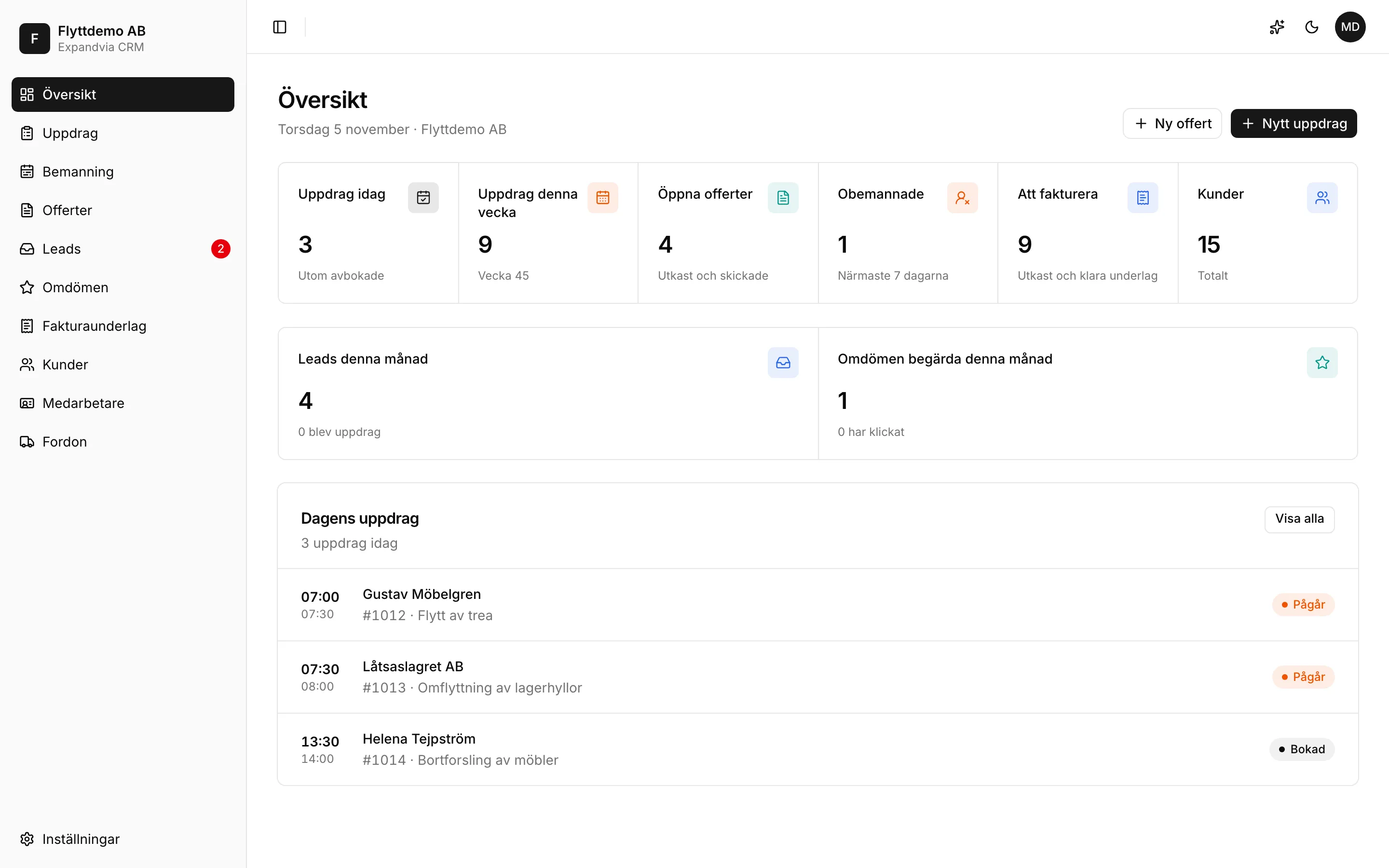
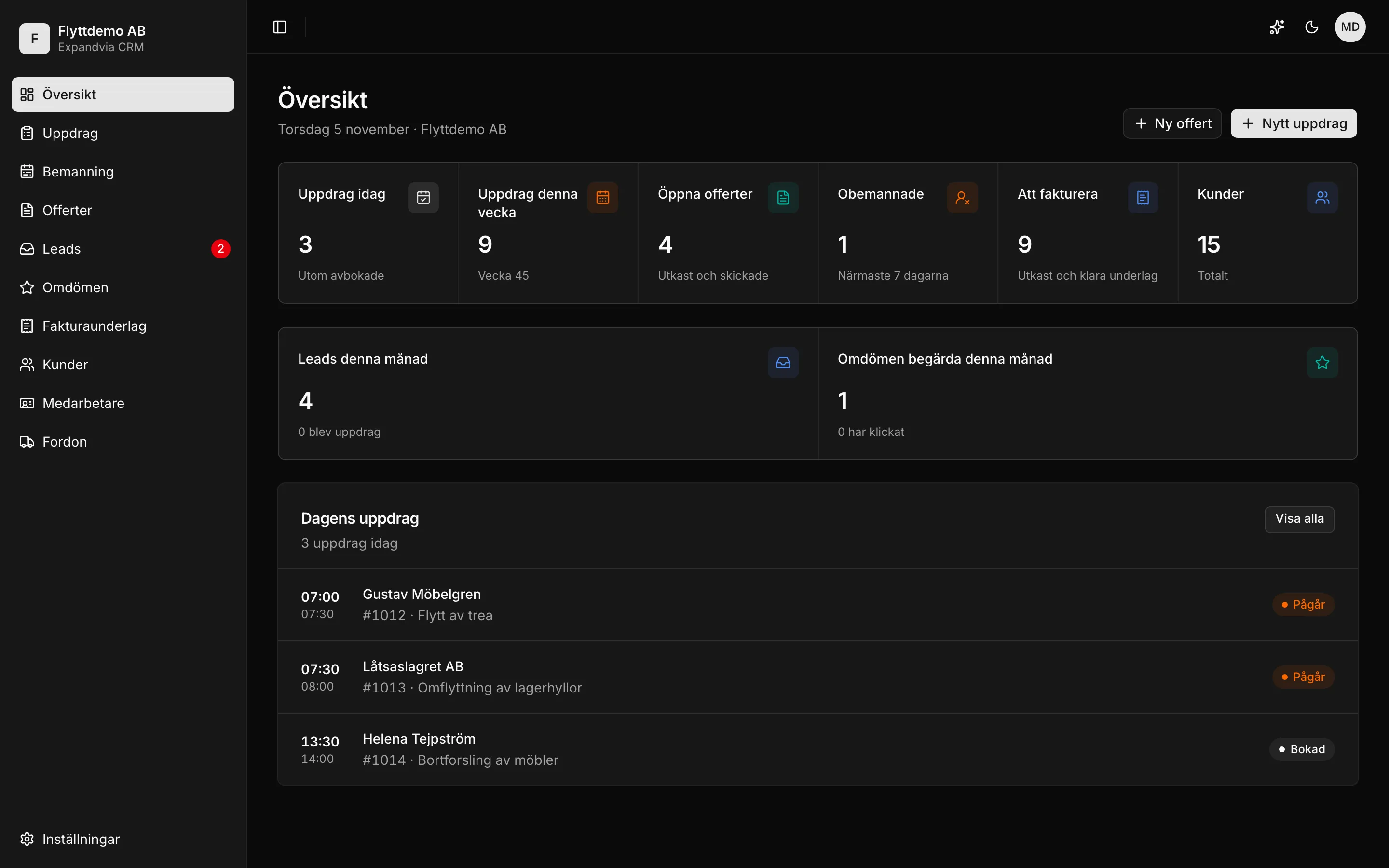
The invoice details go to your accounting software








What you keep track of
Everything around the job in one place, on the computer and on the phone.
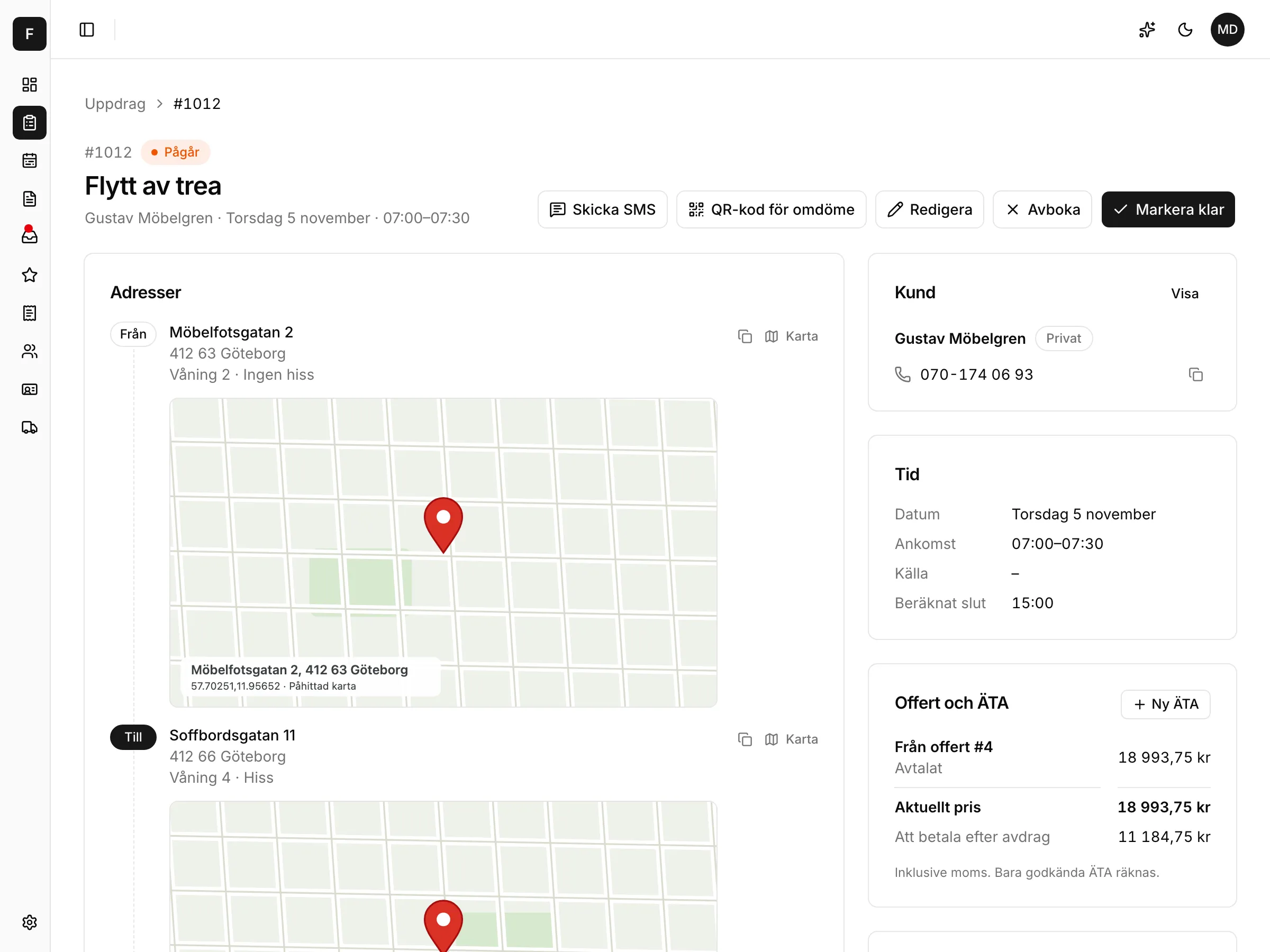
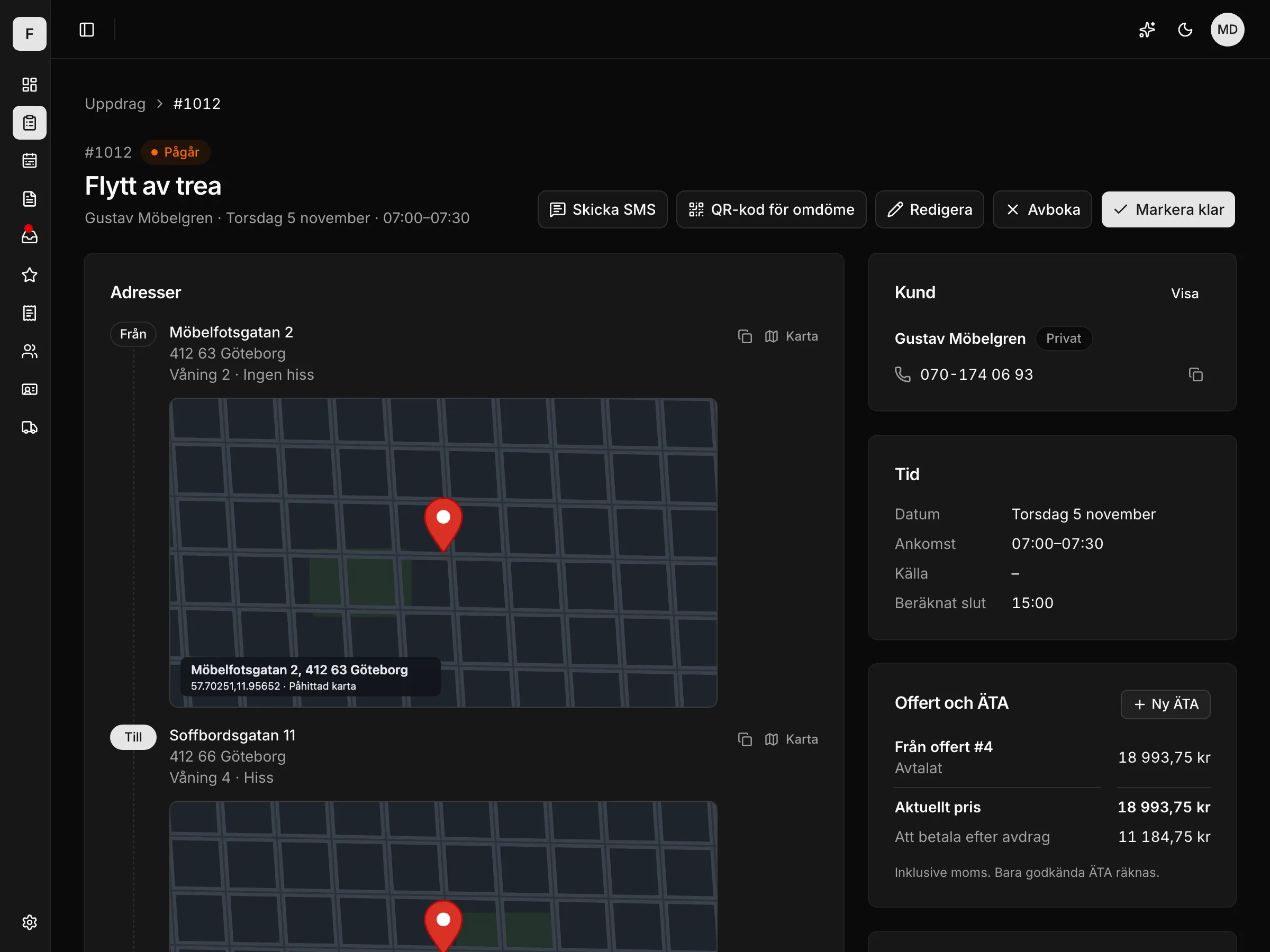
Everything about the job in one place
Every job has its addresses, its checklist and its customer. The office and the field see the same thing.
Addresses and map
One or more addresses per job, with a map.
Checklist, photos and signature
Ticked off on site. The customer signs on the phone.
Quote and change orders on the job
The agreed price and approved extras show right on the job.
Invoice details when the job is done
One set of invoice details per job, created automatically from the quote's lines.
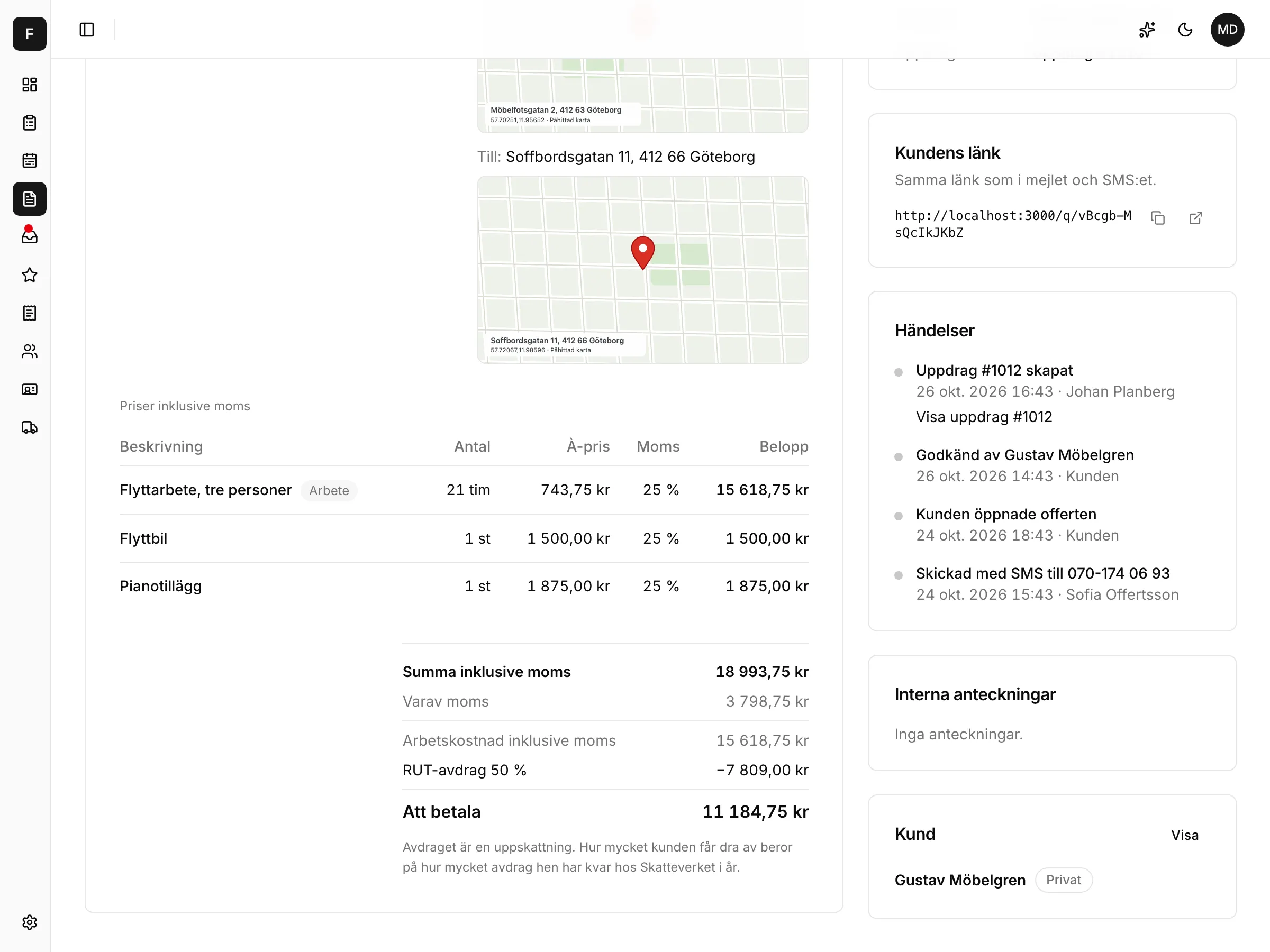
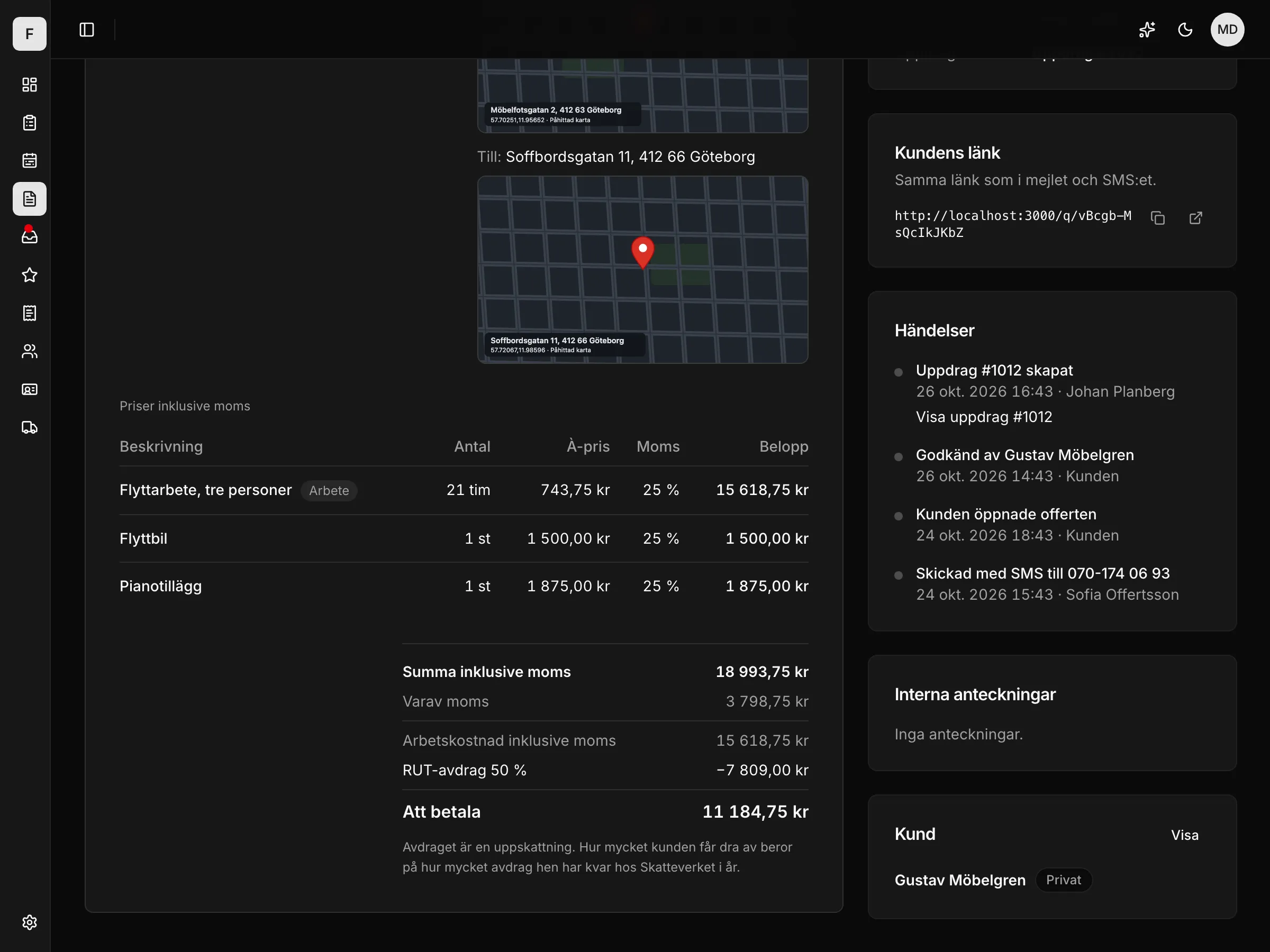
The quote becomes a job in one click
Write the quote, send the link, get it approved. Extras on site become a change order that the customer approves on the signature pad.
ROT/RUT and VAT worked out
The deduction is worked out for you and shown on the quote.
The customer approves by SMS or email
A link where the customer approves or declines.
Change orders written on site
A separate quote on the job, approved on the signature pad or by SMS.
The quote as a PDF, ready to send.
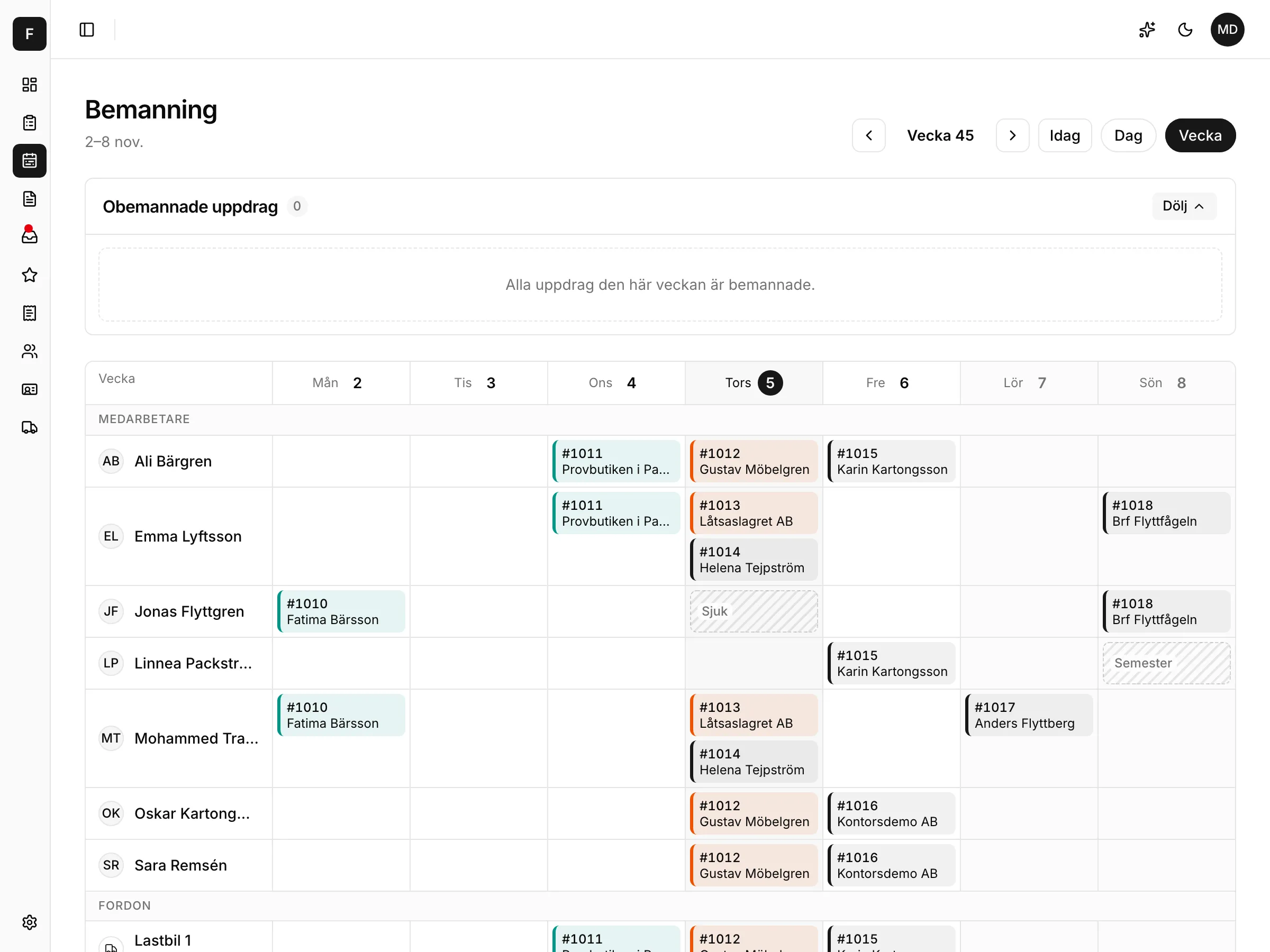
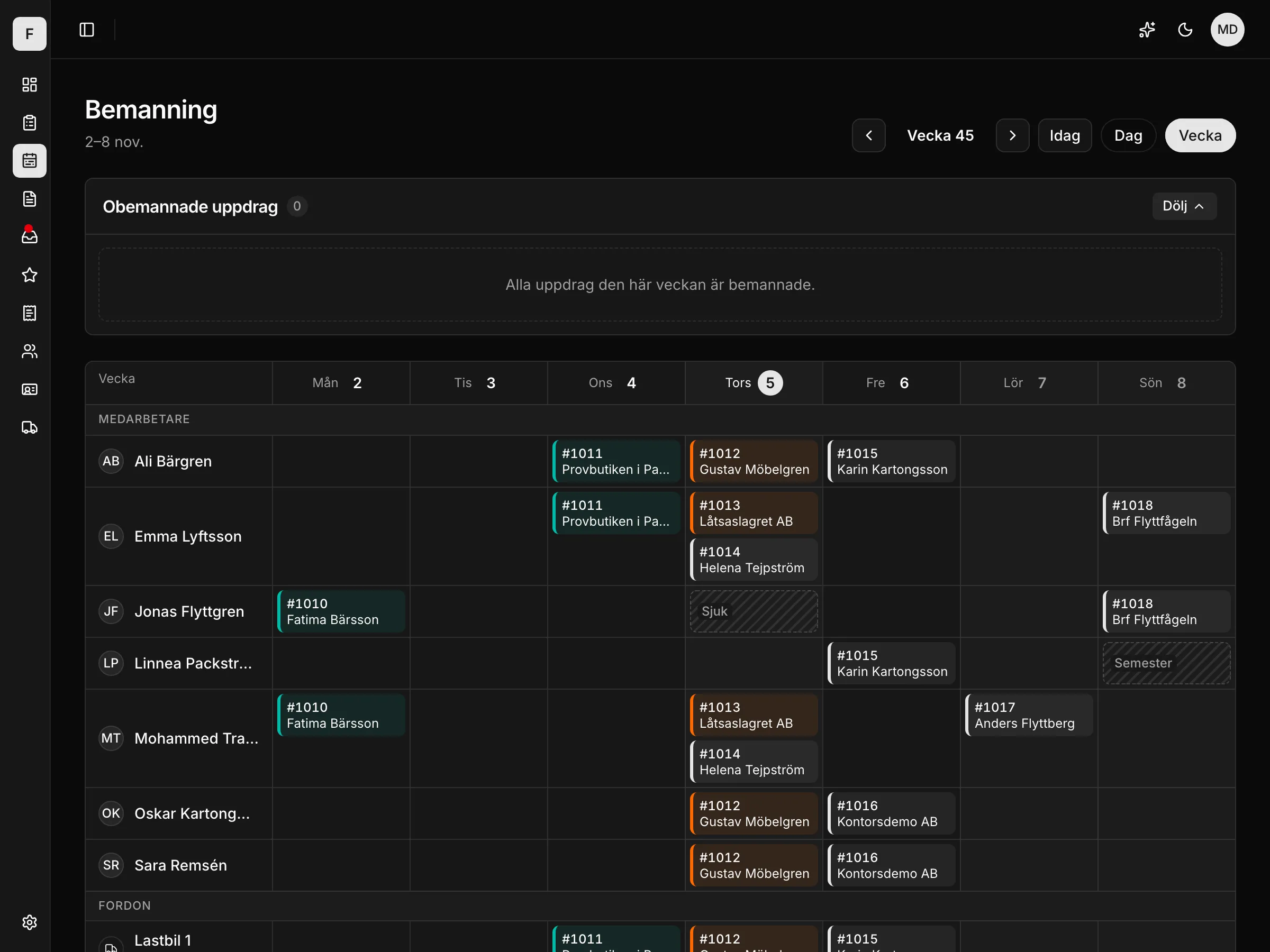
The right people and the right vehicle on every job
The week in one view: who works where, which vehicle goes out and who is off.
Week and day
The schedule per employee and vehicle.
Vehicles
Who drives which vehicle on which job.
Absence
Sick leave and holidays show in the schedule.
Unstaffed jobs
Shown straight away, so no job is left without people.
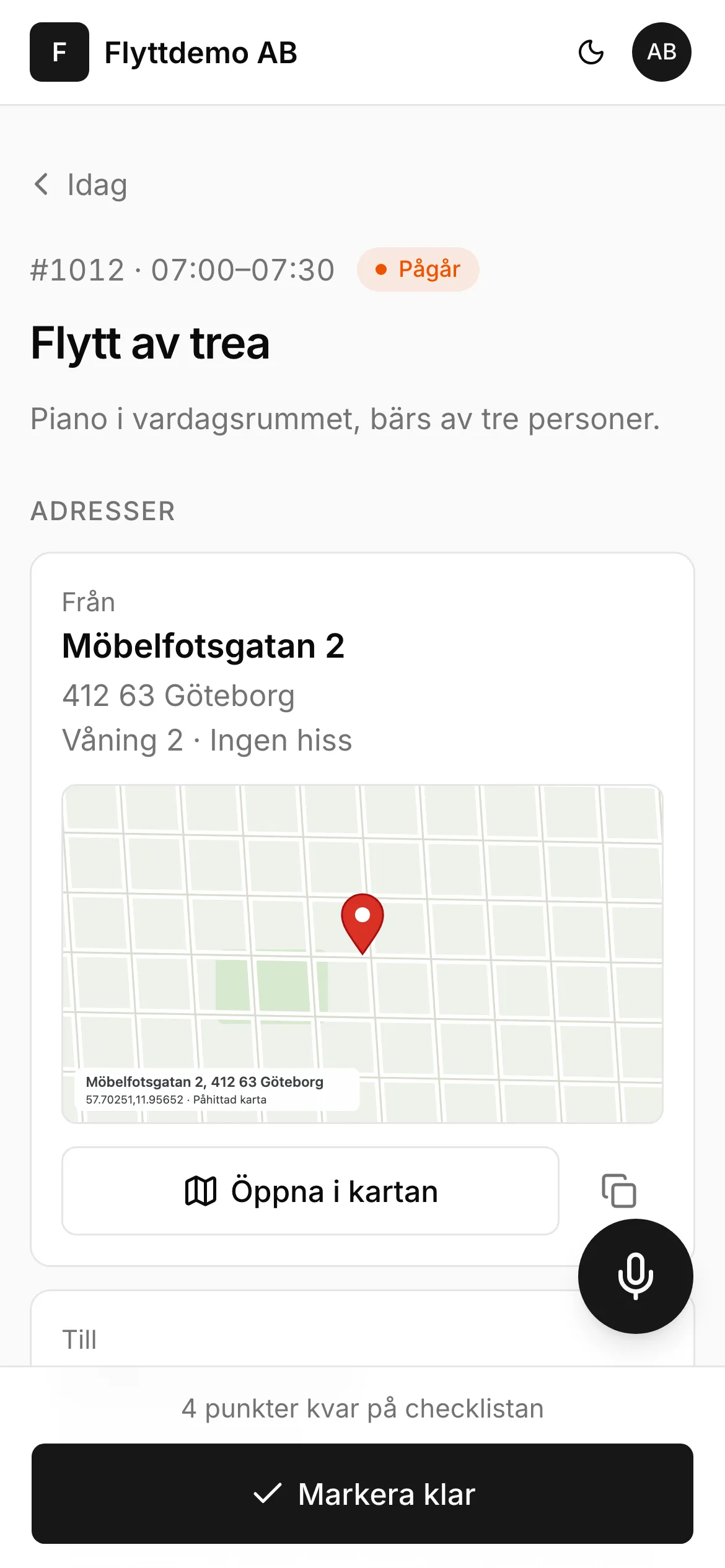
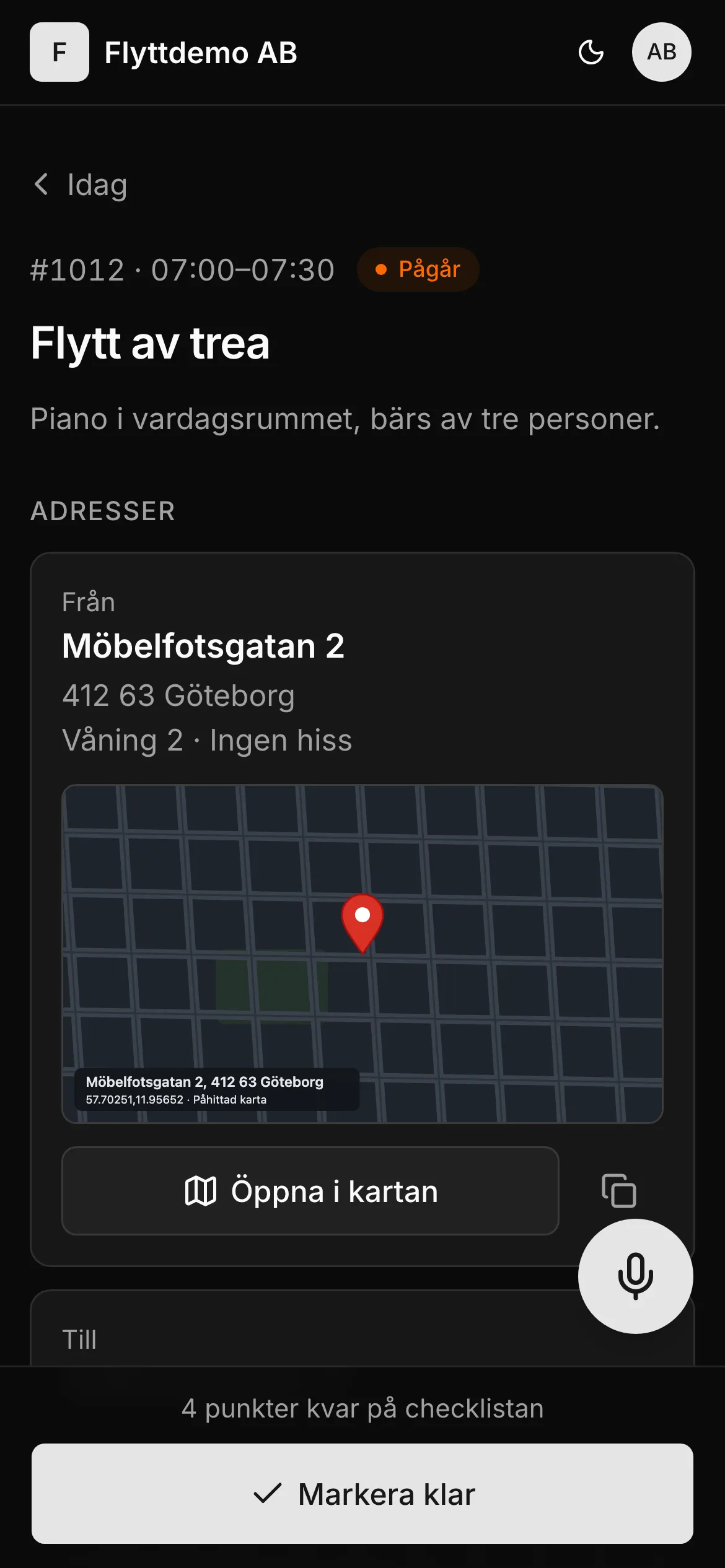
Today's jobs on the phone, even without signal
Your staff log in with an SMS code and see their jobs. Anything done without signal is sent when the connection is back.
Today's jobs
Address, contact and times for the day.
Checklist, photos and signature
Ticked off and taken on site.
On-the-way SMS
One tap and the customer knows you're on the way.
Change orders on site
The extra is written on the phone and approved by the customer there and then.
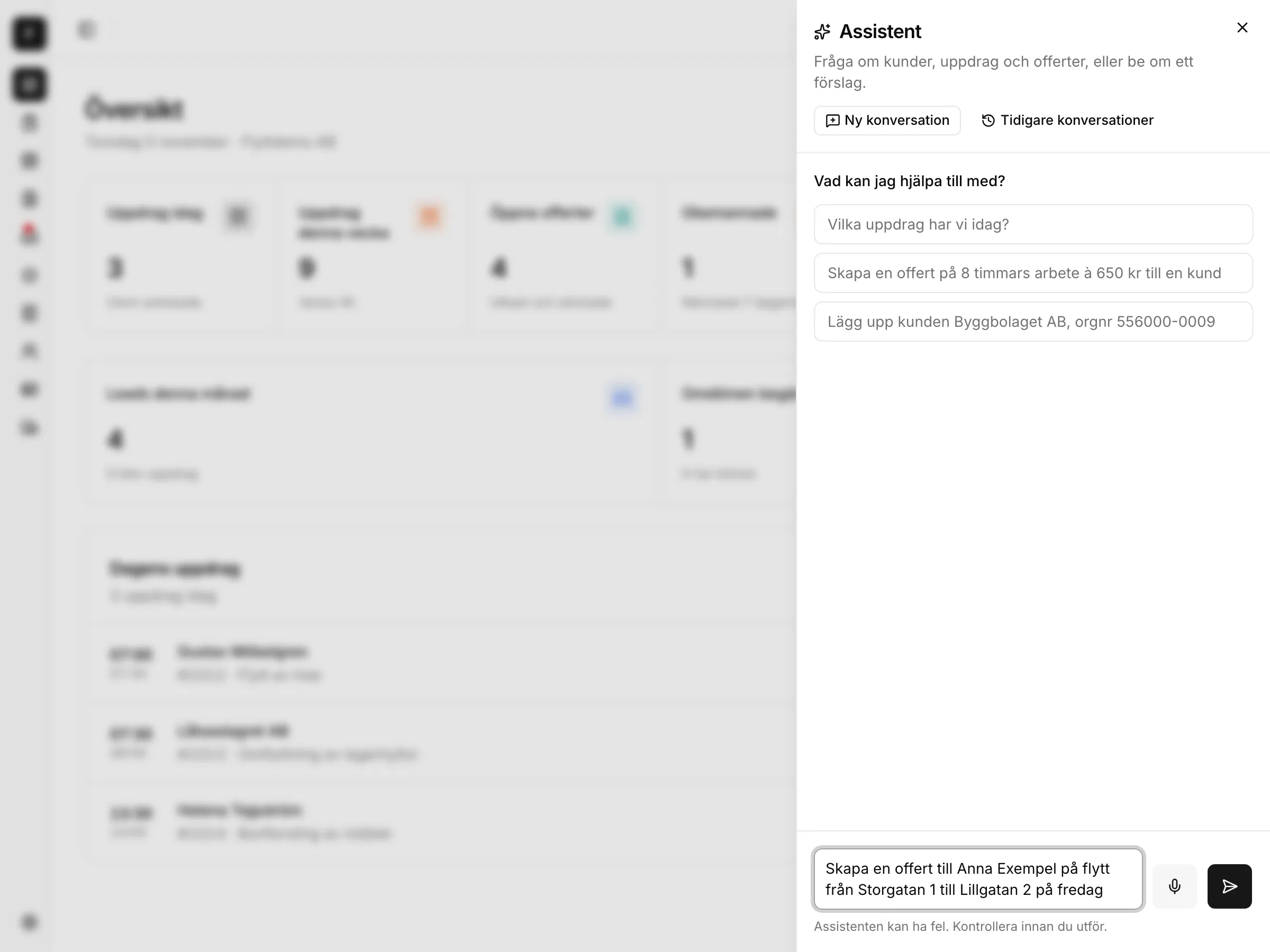
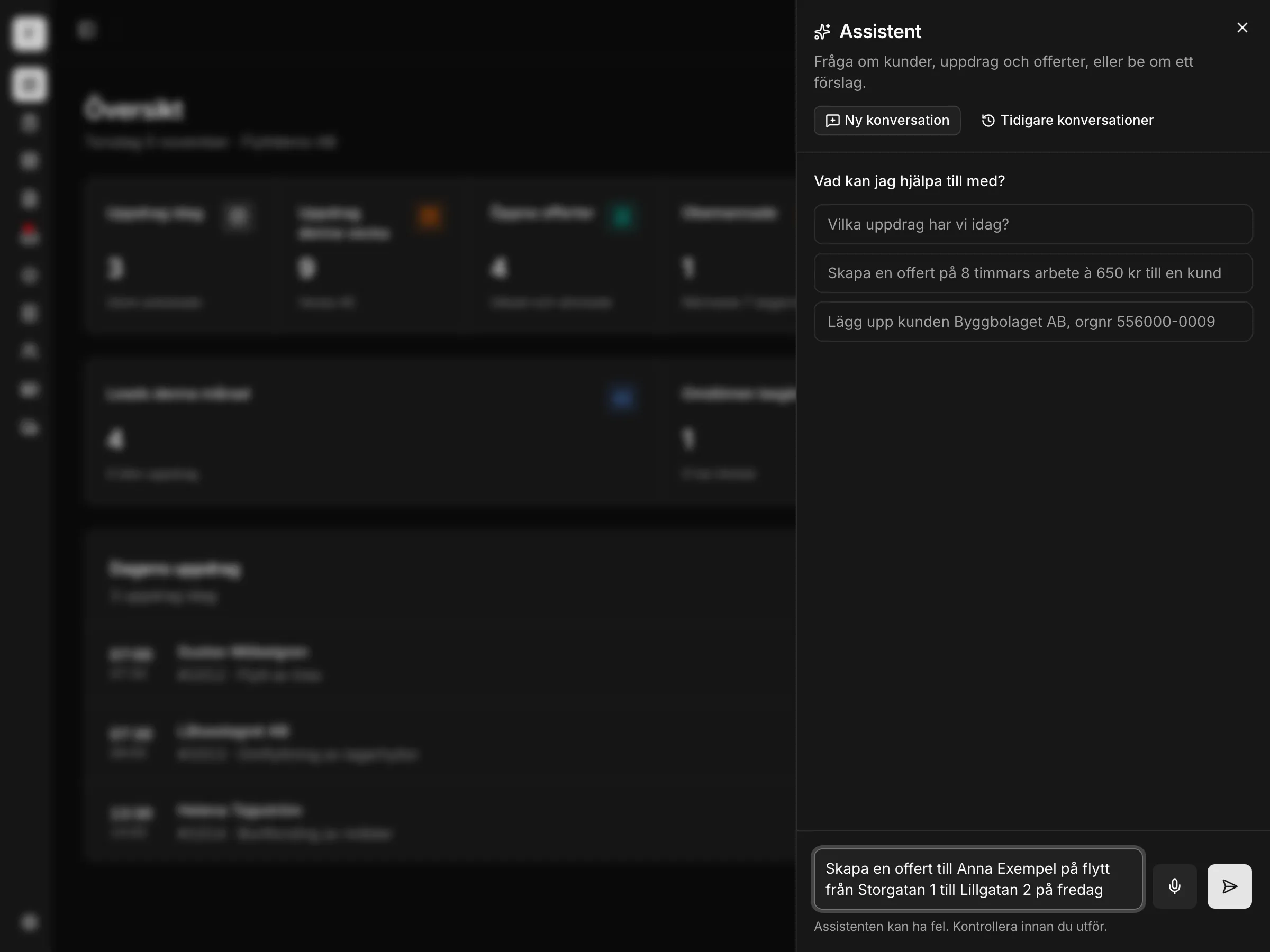
The assistant does the work, you decide
Talk or type, in the office and in the field app. Say “create a quote for Anna Exempel for a move from Storgatan 1 to Lillgatan 2 on Friday” and the quote is ready to send.
Looks things up
Customers, jobs, quotes, the schedule, staff and vehicles.
Does things for you
Creates customers and jobs, writes and sends quotes, creates change orders, staffs jobs, sends on-the-way SMS, ticks off the checklist.
You say yes or no
Before anything is saved, it shows what it is about to do. Everything is logged.
By voice
You talk, it answers out loud.
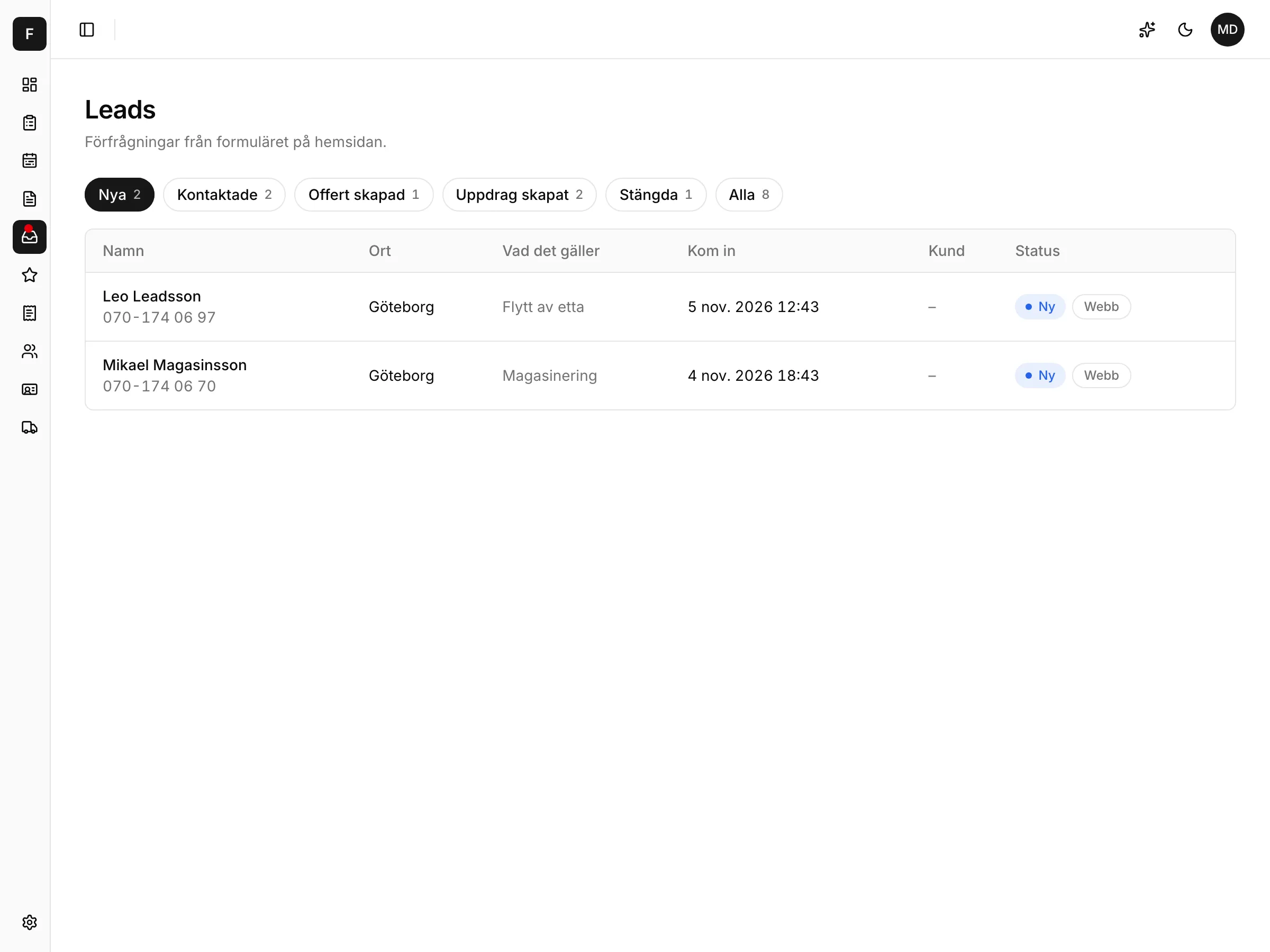
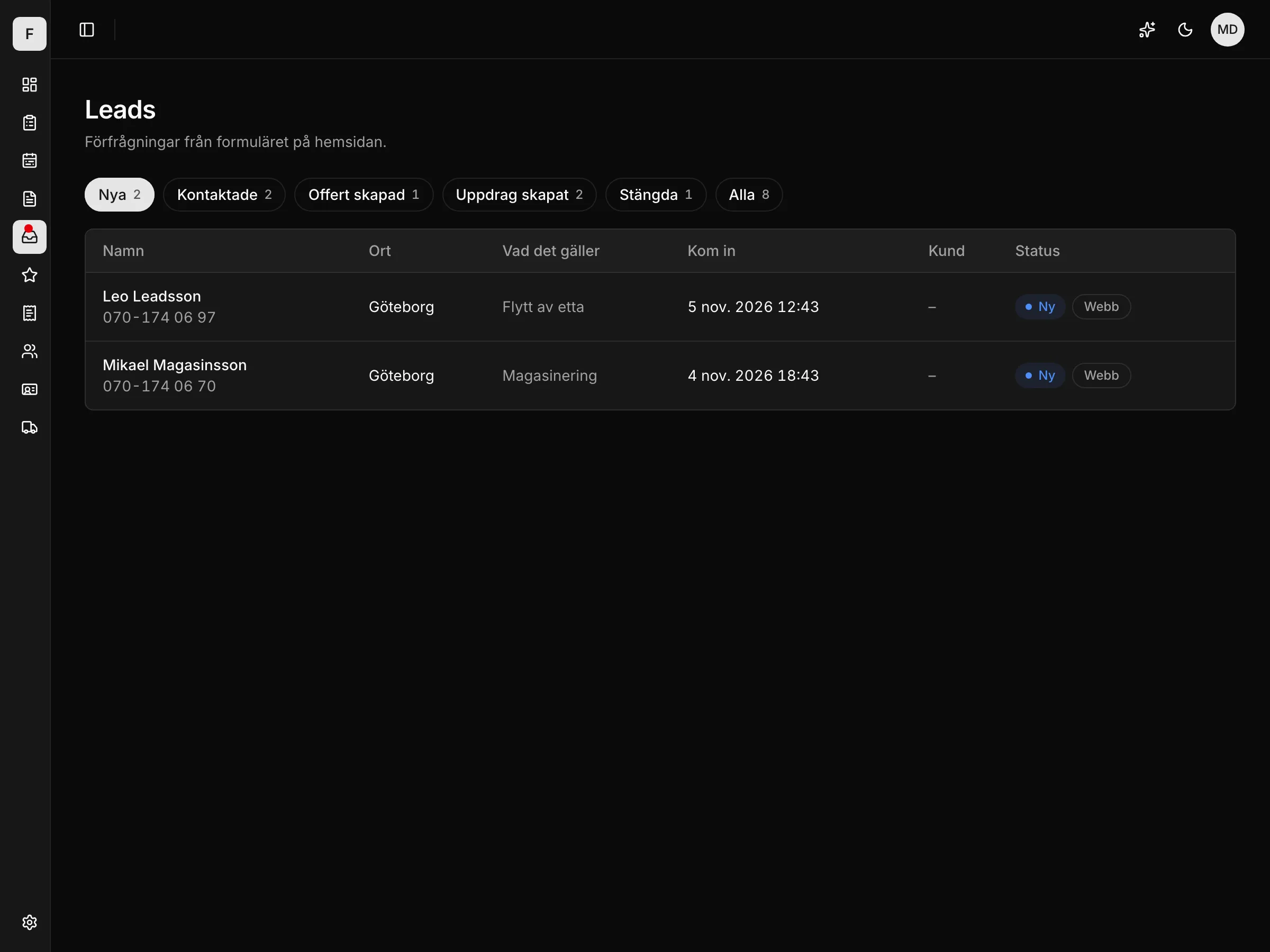
The form on your website becomes a lead
Your website does not have to be built by Expandvia. We connect the form when you start, and you do nothing yourselves.
SMS to the office
Every new lead sends an SMS.
Quote in one click
From the lead straight to a quote.
Done, ask for a review
One tap creates the customer and a finished job and starts the review flow.
Thank-you straight away
Form submissions are received on separate infrastructure, so the visitor gets their thank-you even while the system is being updated.
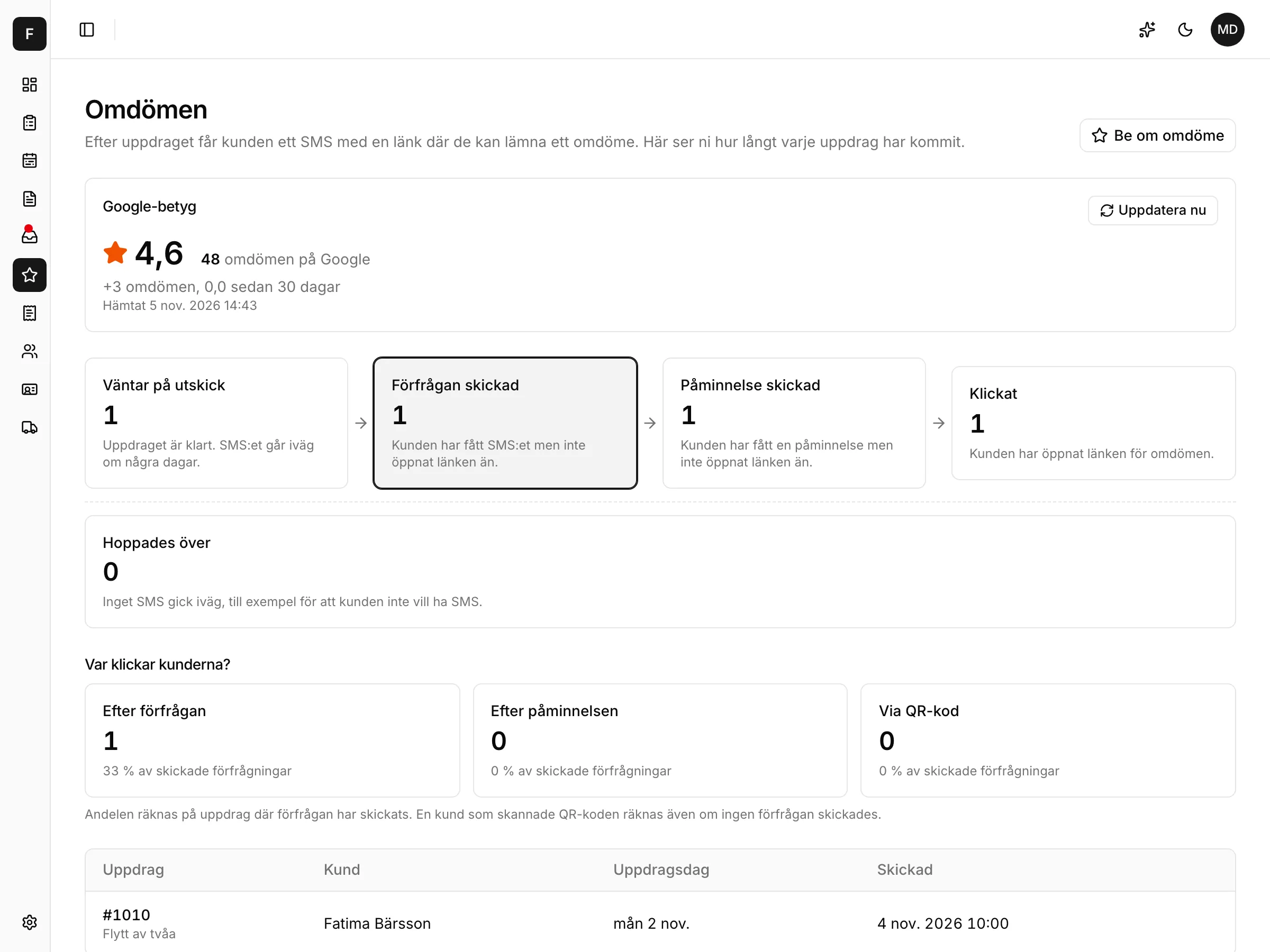
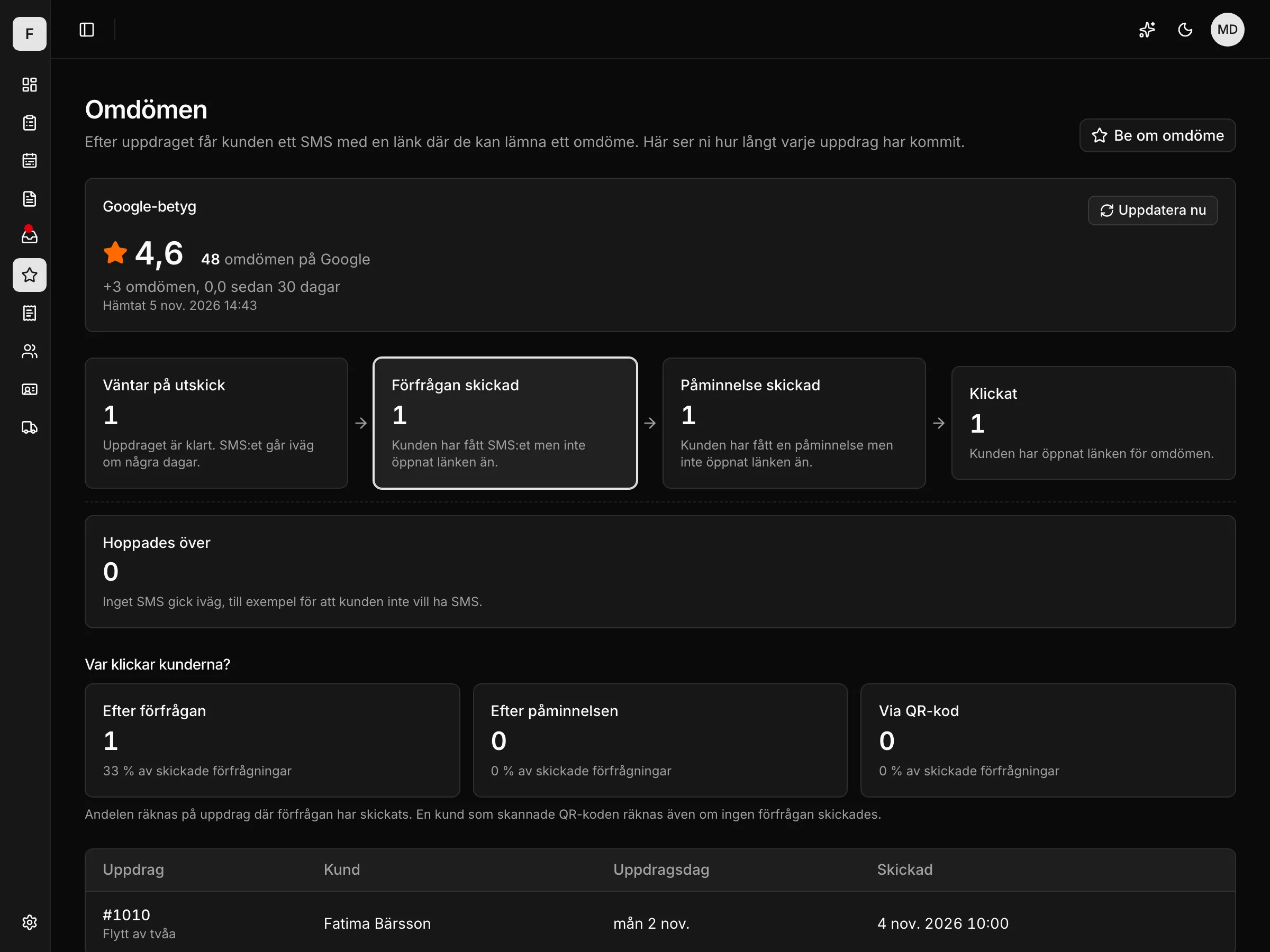
More reviews on Google, without nagging
When the job is finished, the customer gets an SMS with a link. You see how far each request has got and how your rating is moving.
Automatic request
SMS after a finished job, in your company's name.
Reminder
If the customer hasn't clicked, a reminder goes out.
QR code
For the customer who would rather scan on the spot.
Google rating with trend
The rating and the number of reviews on one card.
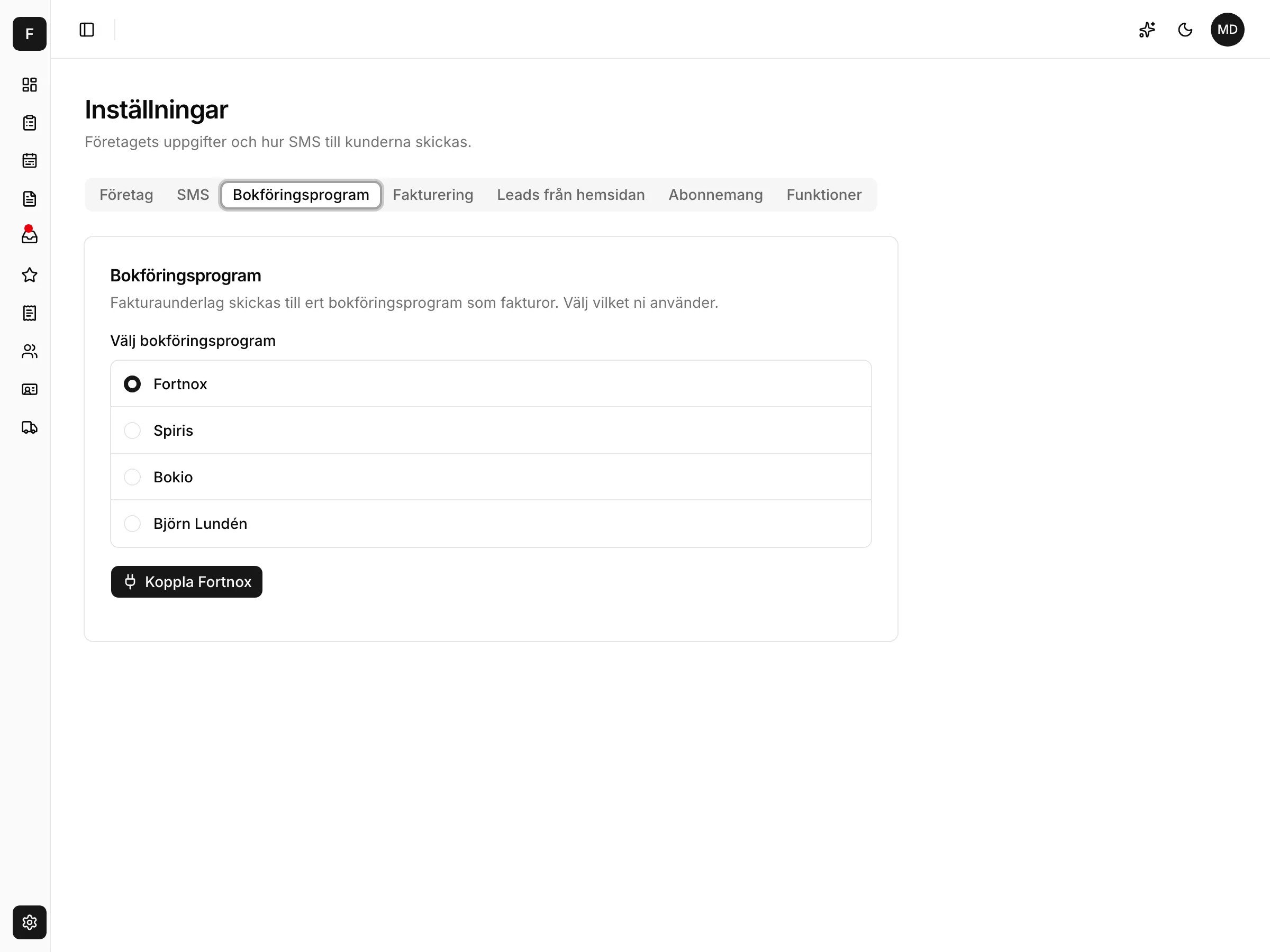
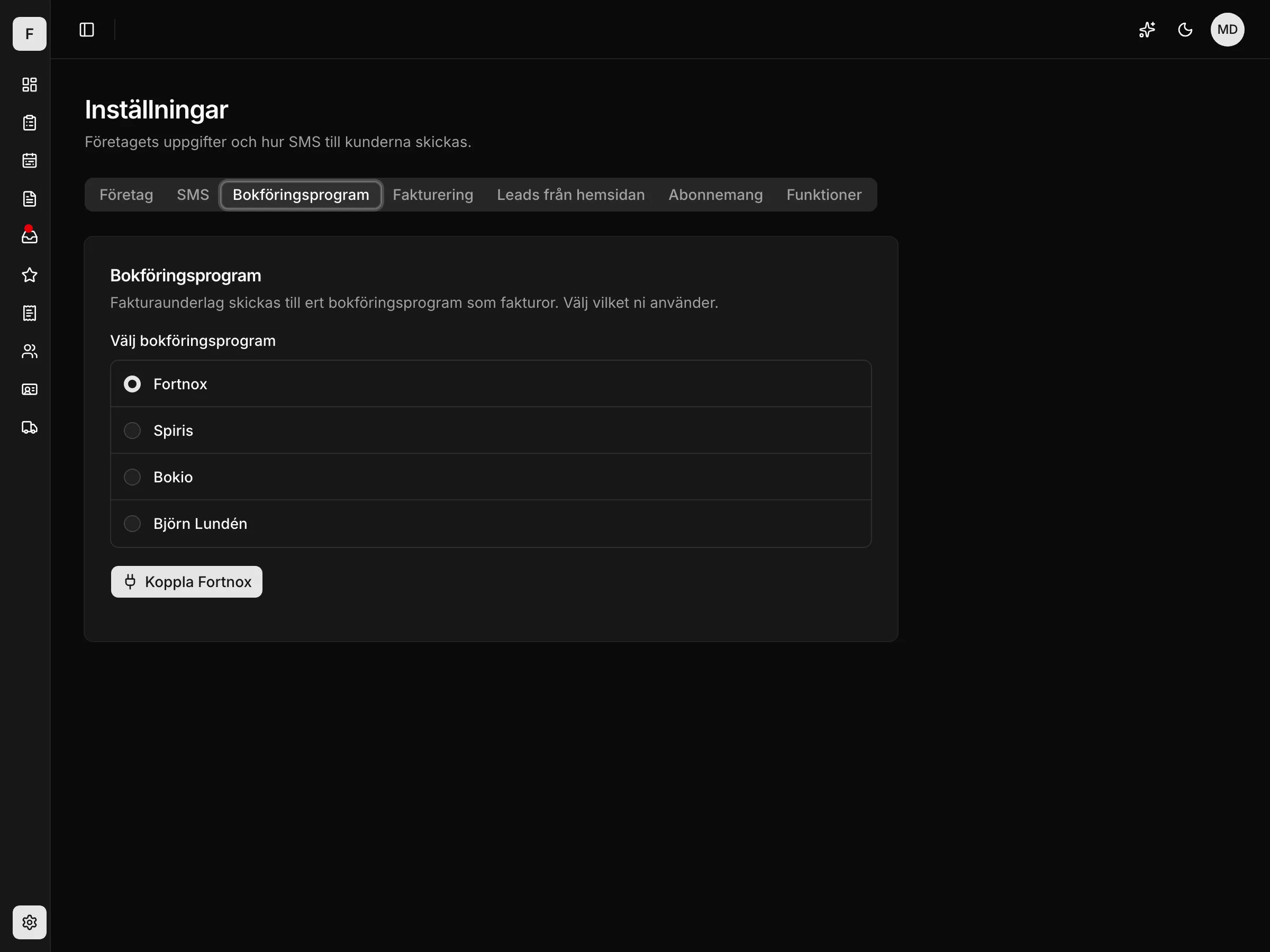
You don't switch accounting software. You connect it
Fortnox, Spiris, Bokio or Björn Lundén. You connect your account yourself in the settings, with your usual login.
Draft invoices with ROT/RUT
The invoice details are sent as a draft with the ROT/RUT buyers filled in.
Or invoice directly
Unbroken number series, OCR reference, PDF by email, payment page by SMS, credit notes. Every invoice is recorded in the books.
Skatteverket
One panel with everything Skatteverket, the Swedish Tax Agency, asks for when you request the payout.
Stored in the EU
The database is in Frankfurt and the files in the EU.
How a day works
From enquiry to review, without anything falling through the cracks.
One price for the whole company
Every feature is in every package. You pay for the company, not per user, and the package depends on how many of you there are.
Micro
0-1 employees
SEK 995
per month, whole company
Everything included:
- AI assistant that fills everything in for you
- Jobs with checklist, photos and signature
- Quotes and change orders with ROT/RUT worked out
- Scheduling: schedule, vehicles, absence
- The field app, even without signal
- Leads from your website
- Reviews after every job
- Invoice details to Fortnox, Spiris, Bokio or Björn Lundén
- SMS to your customers
Medium
2-5 employees
SEK 1,495
per month, whole company
Everything included:
- AI assistant that fills everything in for you
- Jobs with checklist, photos and signature
- Quotes and change orders with ROT/RUT worked out
- Scheduling: schedule, vehicles, absence
- The field app, even without signal
- Leads from your website
- Reviews after every job
- Invoice details to Fortnox, Spiris, Bokio or Björn Lundén
- SMS to your customers
Growing
6 or more employees
SEK 2,995
per month, whole company
Everything included:
- AI assistant that fills everything in for you
- Jobs with checklist, photos and signature
- Quotes and change orders with ROT/RUT worked out
- Scheduling: schedule, vehicles, absence
- The field app, even without signal
- Leads from your website
- Reviews after every job
- Invoice details to Fortnox, Spiris, Bokio or Björn Lundén
- SMS to your customers
Questions about the price? Book a walkthrough and we will go through it.
Common questions
Do we have to change accounting software?
No. You connect Fortnox, Spiris, Bokio or Björn Lundén in the settings and carry on as usual. The invoice details are sent there as a draft, or you invoice from the CRM and every invoice is recorded in the books.
Does it work with our existing website?
Yes. Expandvia connects the form on your website when you start, whoever built it. You do nothing yourselves.
Does the field app work without signal?
Yes. Checklist, photos, signature and change orders are done on the phone and sent when the connection is back.
Where is our data stored?
Personal data is stored in the EU: the database in Frankfurt and the files in the EU.
Can we start with just leads and reviews?
Yes. Modules are switched on per company, so a company can start with leads from its website and reviews, and add jobs, quotes and scheduling later.